
How to Fine-Tune a LLM for Your Business (OpenAI & Hugging Face Guide)
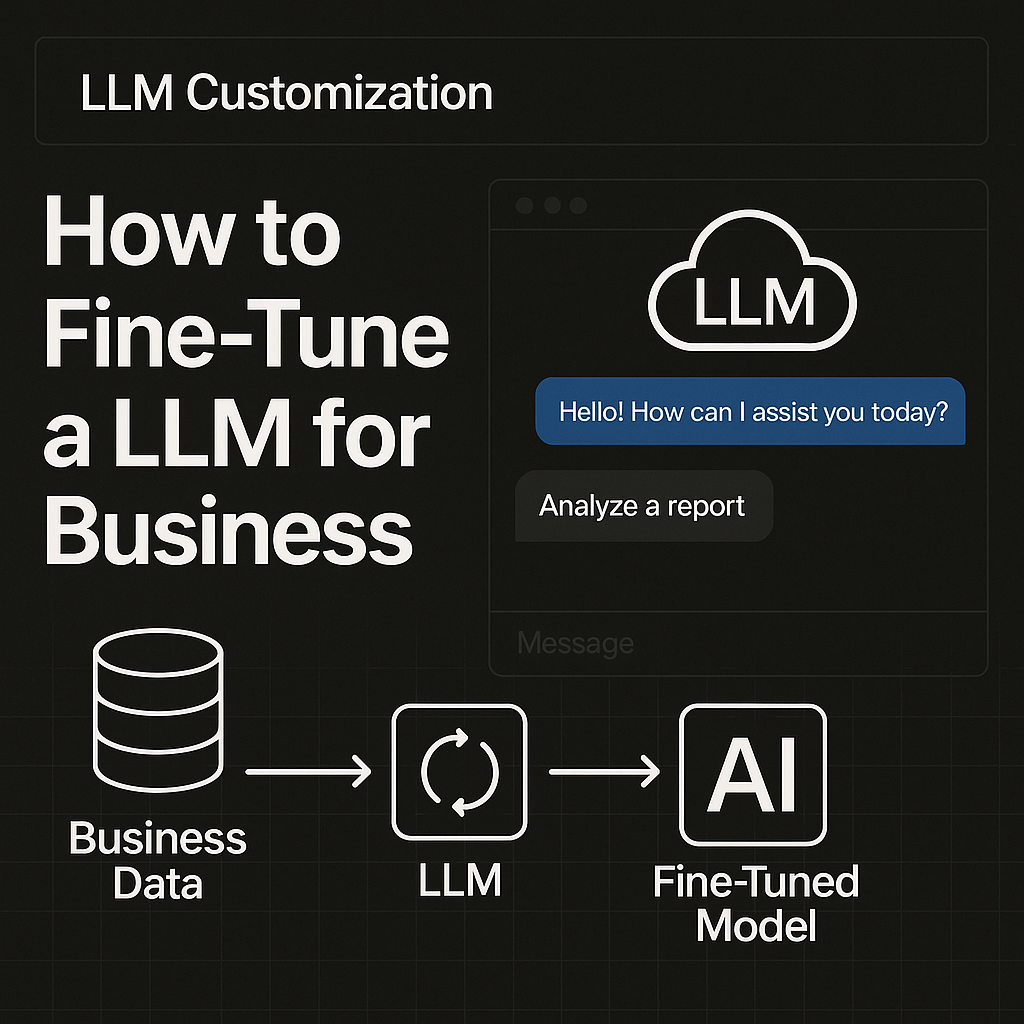
Ever wondered what it would feel like to recreate your business inside an LLM?
Imagine a version of ChatGPT that speaks in your tone, understands your customers, remembers your best-selling products, and writes emails the way you do.
That isn’t fantasy. That’s fine-tuning.
In a world moving from static apps to dynamic, AI-powered workflows, the ability to build a private LLM is the next competitive edge.
Take Morgan Stanley, which used OpenAI to train a custom GPT on 100,000+ internal research reports to assist wealth managers in real time. Or Klarna, which fine-tuned ChatGPT into a shopping assistant generating $40 million in revenue uplift in weeks.
Now, it’s your turn.
This guide walks you through fine-tuning an LLM from scratch: no fluff, no vague advice. Whether you run a coaching brand, ecommerce store, fintech platform, or consulting agency, you’ll learn to build a custom AI assistant that understands your business better than any tool ever could.
Prerequisites
To follow along, here’s what you need:
- Basic Python knowledge (lists, functions, packages)
- Familiarity with JSON or CSV
- An OpenAI API key or Hugging Face account
- Business data (FAQs, support chats, internal docs, emails, etc.)
- A modern browser + internet connection
- Optional: Basic knowledge of APIs and SaaS operations
1. What is Fine-Tuning
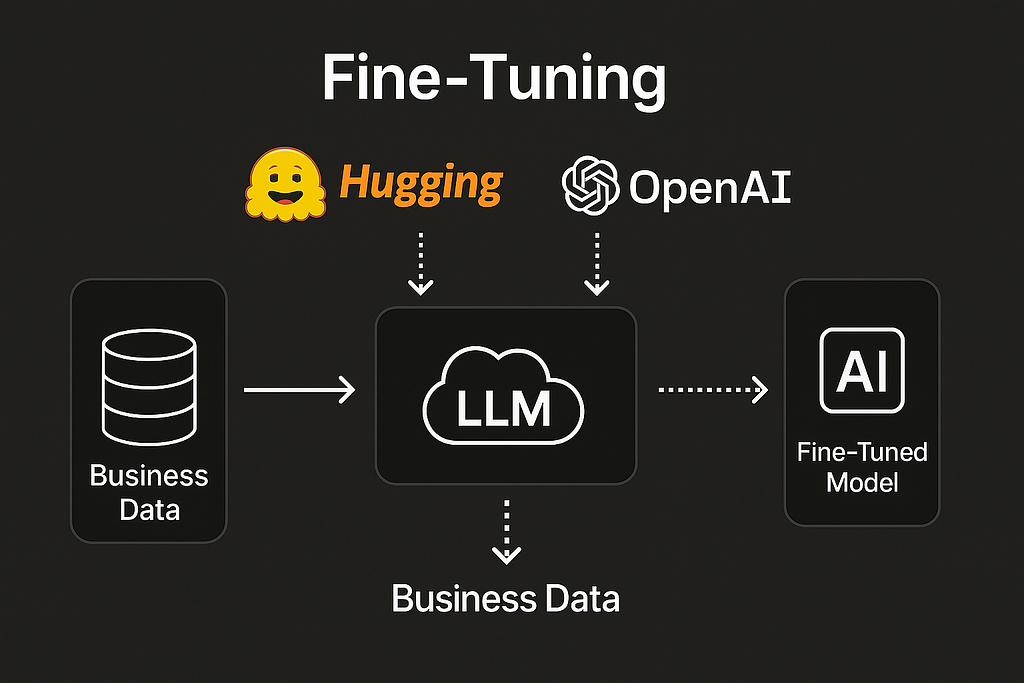
Fine-tuning means taking a pre-trained model like GPT-4o and teaching it your specific data. Think of it as taking a general-purpose employee and training them on your company playbook.
Instead of telling GPT, “act like a support agent,” you give it your actual support chat transcripts and it learns exactly how to respond based on that.
This process is also known as LLM customization, where the model is adjusted to reflect domain-specific language, brand tone, and workflows.
2. When Businesses Should Fine-Tune
You should fine-tune when:
- Your business has repeatable language patterns (support, onboarding, product recommendations)
- You want consistent tone and voice
- You want offline or private deployment
- You want to reduce prompt complexity
Tip: If you just want AI to search documents, RAG (Retrieval-Augmented Generation) might be enough. But if you want it to think like your company, fine-tuning is the next step.
When you train a custom LLM, it becomes capable of offering answers that match your operations, not just general language trends.
3. Real-World Examples
Klarna fine-tuned GPT on their product catalog + chat data, creating a smart shopping assistant that increased sales by 25% in 3 weeks.
Morgan Stanley built a GPT that helps financial advisors find and summarize research instantly.
Zapier trained an AI to handle internal support tickets using docs + user queries, reducing human intervention by 40%.
These are not hacks. These are working business tools with real ROI. Each represents a successful case of building a custom AI model for business.
4. Choosing the Right LLM
| Model | Fine-Tune? | Best For |
|---|---|---|
| OpenAI GPT-3.5/4 | Yes (API) | Fastest, SaaS-ready |
| Mistral / LLaMA 2 | Yes (LoRA) | Private / on-premise use |
| Claude / Gemini | Not yet | Use with RAG / API endpoints |
5. Step-by-Step: Preparing Your Business Data
This is 80% of the work. Get it right.
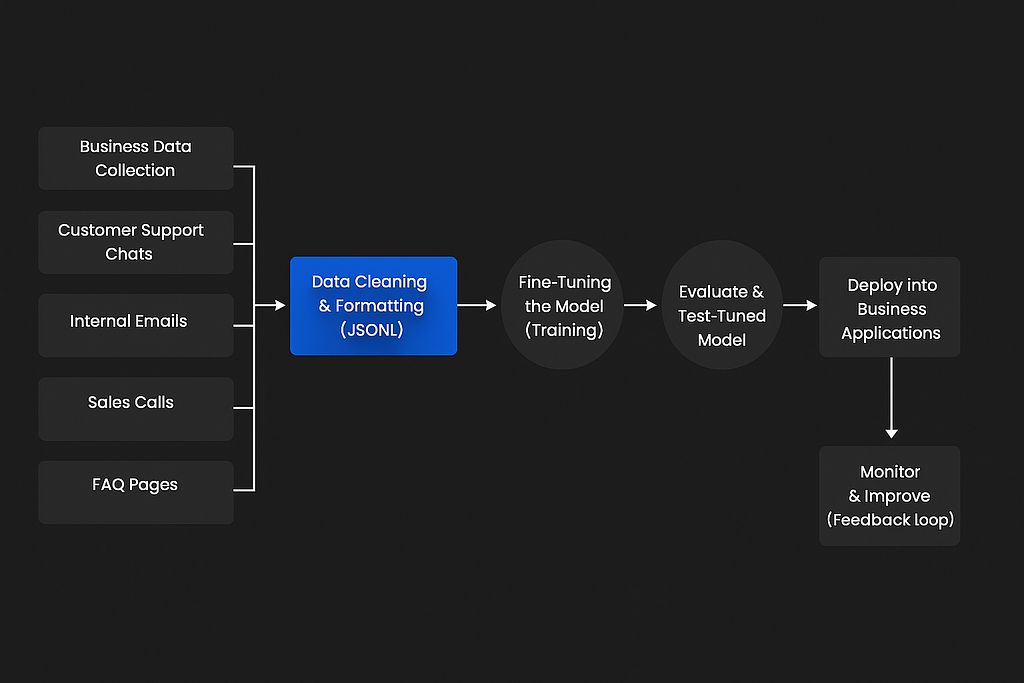
Step 1: Collect Data
Start with:
- Customer support chats
- Internal emails
- Sales calls (transcribed)
- Onboarding scripts
- FAQ pages
Step 2: Format to JSONL
{"messages": [
  {"role": "user", "content": "How do I change my password?"},
  {"role": "assistant", "content": "Go to Settings > Security and click 'Reset Password'."}
]}
Step 3: Keep Tone Consistent
If your brand sounds casual, every assistant response should too. Don’t mix formal with playful.
This is the starting point to fine-tuning GPT for SaaS use cases, turning raw interactions into structured intelligence.
6. Fine-Tuning with OpenAI
“This is a bit technical, but if you follow carefully, you’ll get it.”
This section serves as your OpenAI API fine-tuning guide, covering everything from CLI setup to API usage.
Step 1: Install CLI
Note: This command installs the OpenAI CLI tool needed to interact with your fine-tuning jobs from the terminal.
pip install openaiStep 2: Upload File
Note: Use this command to upload your formatted training data (JSONL file) to OpenAI for fine-tuning.
openai file.create -f data.jsonl -p fine-tune
Step 3: Start Fine-Tuning
Note: This triggers the fine-tuning process using your uploaded dataset on the GPT-3.5 Turbo model.
openai fine_tunes.create -m gpt-3.5-turbo -t file-abc123
Step 4: Use Your Model
Note: After fine-tuning completes, you can call your custom model by referencing its new ID.
openai.ChatCompletion.create(
 model="ft:gpt-3.5-turbo:yourbizname:custom-id",
 messages=[{"role": "user", "content": "Reset password"}]
)
Time: ~30 min
Cost: ~$0.008 per 1K tokens trained
Visual Flow: Fine-Tuning Business LLM
7. Fine-Tuning Open LLMs with Hugging Face + LoRA
Why Use This?
- Cheaper at scale
- No vendor lock-in
- Full control over data
This method relies on a Hugging Face training script and open-source models for full flexibility.
Step 1: Install Tools
Note: This command installs all necessary Python libraries to fine-tune Hugging Face models using LoRA.
pip install transformers peft datasets accelerate bitsandbytesStep 2: Load Base Model
Note: This code loads a pre-trained model and tokenizer from Hugging Face, ready for fine-tuning.
from transformers import AutoModelForCausalLM, AutoTokenizer
model = AutoModelForCausalLM.from_pretrained("mistralai/Mistral-7B-v0.1")
tokenizer = AutoTokenizer.from_pretrained("mistralai/Mistral-7B-v0.1")
Step 3: Apply LoRA
Note: LoRA (Low-Rank Adaptation) makes fine-tuning lighter and faster by injecting small trainable layers into the model.
from peft import get_peft_model, LoraConfig
config = LoraConfig(r=8, lora_alpha=16, target_modules=["q_proj", "v_proj"], task_type="CAUSAL_LM")
model = get_peft_model(model, config)
Train using Trainer API.
8. Deploying to Your Stack
- For SaaS: Call OpenAI fine-tuned model via backend endpoint (Django, Express, Laravel)
- For chatbots: Use tools like LangChain or BotPress to hook into your model
- For internal dashboards: Embed directly via Flask API or custom UI
9. Mistakes to Avoid
| Mistake | Fix |
|---|---|
| Mixed tone in training data | Standardize assistant replies |
| Not enough examples | Aim for 100–500 examples |
| Forgetting versioning | Use model version suffixes (v1, v2...) |
| Sensitive data leaks | Mask personal data before uploading |
10. Conclusion: The Future is Custom
You don’t need a huge team to build an AI that understands your business.
You just need:
- Clean, well-structured examples
- A clear goal (support bot, sales agent, etc.)
- The right LLM
Once trained, your custom model becomes an always-on version of you, answering questions, making decisions, and freeing up your time.
What’s Next?
- Add Retrieval (RAG) for dynamic document search
- Explore agents for multi-step business logic
- Ship your model to mobile or chat widgets
Call to Action
Don’t wait for another tool to solve your problems.
Train your own.
Start by collecting your business data today. Follow the steps in this guide. Test it. Deploy it.
Your business deserves an AI that speaks your language.
References
Originally published on medium.com.